Update: Bloglines doesn’t have email accounts anymore. No email feeds will show up anymore.
Q: You want to switch from Bloglines to Google Reader, but you need email subscriptions?
A: Read your existing Bloglines email subscriptions through Google Reader.
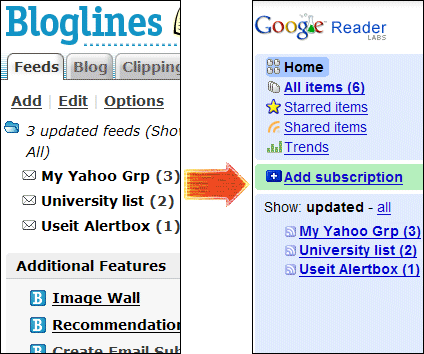
How do I read my Bloglines Email Subscriptions in Google Reader?
- Log in to Google Reader in a new browser window
Leave that window open. Stay logged in. - Go to this page and copy-paste the Google Token:
Warning: Unsafe Links
The links to your email subscription feeds will contain your Bloglines Password in plain text. Do not share them.
Also, the links will stop working if you change your Bloglines Password.
One Response to Read Bloglines Email Subscriptions in Google Reader